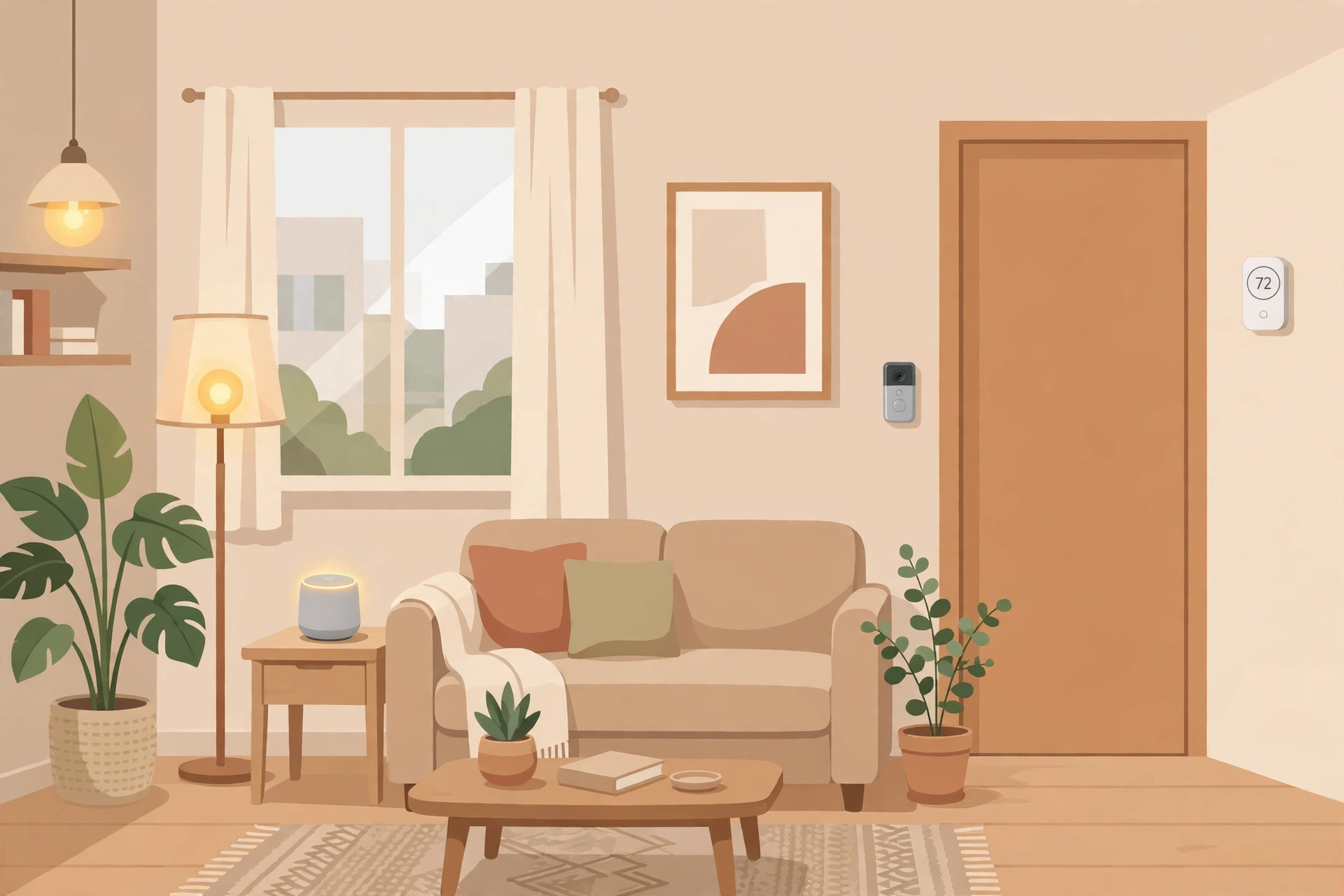
Smart home guides usually assume you own the walls you are drilling into. Renters live under different rules: no rewiring, no hardwired doorbells, no holes the landlord will charge for at move-out, and often a lease clause that forbids changing fixtures at all. The good news is that the most useful smart home upgrades no longer need any of that. The current generation of bulbs, plugs, speakers and sensors is designed to plug in, stick on or screw into an existing socket — which means a rental can be genuinely smart without a single permanent change.
| Starter upgrade | Typical cost | Install time | What it needs |
|---|---|---|---|
| Smart speaker | $30–$50 | 10 minutes | Power outlet, Wi-Fi |
| Smart bulbs (pack of 4) | $35–$50 | 15 minutes | Existing lamp sockets |
| Smart plugs (pack of 2) | $20–$25 | 5 minutes | Power outlet, Wi-Fi |
| Battery video doorbell | $100–$180 | 20 minutes | Adhesive or clamp mount, Wi-Fi |
| Starter total (speaker + bulbs + plugs) | $85–$125 | Under an hour | No tools beyond a phone |
The starter total deliberately leaves out the doorbell, which is the one upgrade worth deciding on separately, since even an adhesive doorbell mount needs more thought about building rules, covered below.
The No-Drill Rule: What Renters Can Actually Install
A useful test for any smart device in a rental is the move-out test: can you remove it in under five minutes and leave the apartment exactly as you found it? Smart bulbs pass, because they screw into sockets you already own and the original bulbs go back in a bag for moving day. Smart plugs pass, because they sit between the outlet and the lamp. Battery sensors pass, because they use adhesive strips that peel off cleanly. Anything that needs a new wall box, a wired doorbell transformer or a hole for a camera mount fails, and should wait until you own the place.
Keep the originals. When you swap a bulb or a fixture, put the original in a labelled bag in a closet, not in the bin. Photographing each fixture before you touch it takes two minutes and settles any later dispute about what was there.
Start With Light: Smart Bulbs Without Rewiring
Smart bulbs are the best first upgrade for renters because light changes how a room feels more than any other single device, and the install is literally screwing in a bulb. A four-pack in the living room gives you dimming, warm-to-cool colour adjustment and scheduling from your phone, all without touching a switch. Set a morning schedule that brightens gradually and an evening schedule that warms to 2700K, and the room effectively gains the dimmer switches your landlord would never approve.
One practical warning: smart bulbs need constant power, so a wall switch turned off cuts them off entirely. If you share the apartment, agree on one rule — leave the switch on and control the bulb from the phone or voice assistant — or use a smart plug on a floor lamp instead, which keeps working even if someone flips the switch. For more on styling a rental without permanent changes, see our rental-friendly decor ideas.
What About a Video Doorbell in a Rental?
This is the upgrade renters ask about most, and the answer depends on your building. Battery-powered doorbells avoid the wiring problem entirely, and many now ship with adhesive or clamp mounts that grip the door frame without screws. Those work well on a house rental or a ground-floor apartment with its own entrance. In a shared apartment building, though, the hallway or entrance is common property, and filming it can breach building rules or your lease even if the device itself needs no drilling. Check two things before buying: the lease clause on cameras or alterations, and the building’s policy on common areas. A written yes from the landlord, even by message, is worth getting before a $100–$180 purchase.
If a doorbell is off the table, a battery-powered indoor camera pointed at the entrance from inside your own apartment is usually a cleaner fit, since it films only your space. Position it so it cannot see into a neighbour’s doorway.
Smart Plugs, Speakers and Sensors That Leave No Trace
Smart plugs are the quiet workhorse of a rental smart home. A $20–$25 two-pack turns any ordinary lamp, fan or coffee maker into a scheduled device: lamps on at sunset, a fan off at bedtime, a coffee maker pre-set for the morning. They also solve the shared-apartment switch problem above, because the lamp stays plugged in and switched on at the lamp itself while the plug does the timing.
A smart speaker is the control centre, and it earns its $30–$50 with voice control for the bulbs and plugs, timers and reminders, and music for the room. Place it centrally, not in a bedroom corner, so voice commands work from the kitchen and living area alike. Battery-powered door and window sensors, typically $20–$30 for a two-pack, add a security layer with adhesive mounts and no wiring.
For a small workspace, the same kit pays off twice: a smart plug on a desk lamp and a bulb set to a cooler 3500K–4000K during work hours gives a home office a clear on-off boundary, which matters when the office is a corner of a bedroom. Our home office in a small space guide covers the layout side of that setup.
Before You Buy: The Landlord and Wi-Fi Checklist
Run through this list before ordering anything. First, read the lease for alteration, fixture and camera clauses — most leases allow plug-in devices but restrict anything screwed into walls or wired into circuits. Second, confirm your Wi-Fi: most budget smart devices use the 2.4GHz band, which reaches further through walls but is sometimes disabled on shared building networks, so check that your router broadcasts it. Third, pick one ecosystem — one brand’s app or one voice assistant — rather than a device from every brand, because juggling four apps is how smart homes get abandoned. Fourth, budget for subscriptions honestly: some doorbells and cameras charge $3–$10 a month for recorded video history, and that recurring cost matters more than the hardware price over a year.
Common Mistakes Renters Make
Buying a wired device first. Hardwired thermostats, doorbells and switches are the most advertised smart devices and the least suitable for rentals. Start with bulbs and plugs, and only consider wired gear if your landlord gives written permission and you are staying long enough to justify it.
Mixing five brands and five apps. Every extra app is friction, and friction is what makes people stop using the system. Choose one ecosystem for the starter kit and add to it, rather than buying whatever is on sale each week.
Forgetting the move-out box. Smart bulbs and plugs are easy to move, but only if you kept the original bulbs and can find the devices at packing time. A single labelled box for smart gear, started on install day, saves a frantic search later.
Ignoring the subscription. A doorbell that needs a monthly plan to store video costs $36–$120 a year on top of the hardware. Factor that in before purchase, or choose a model with local storage or free basic history.
Key takeaways: A renter-friendly smart home starts with plug-in gear that passes the move-out test — smart bulbs, smart plugs and a speaker for $85–$125 total, installed in under an hour with no drilling or wiring. Keep the original bulbs and fixtures in a labelled bag, check the lease and building rules before any doorbell or camera, pick one ecosystem instead of five apps, and count subscription costs before you buy. Everything in the starter kit moves to your next apartment, which is the real point: you are investing in your setup, not your landlord’s property.